See every LUT at once.
Lutof is a Windows desktop app for previewing, comparing and managing your color grading library.
Drag the split.
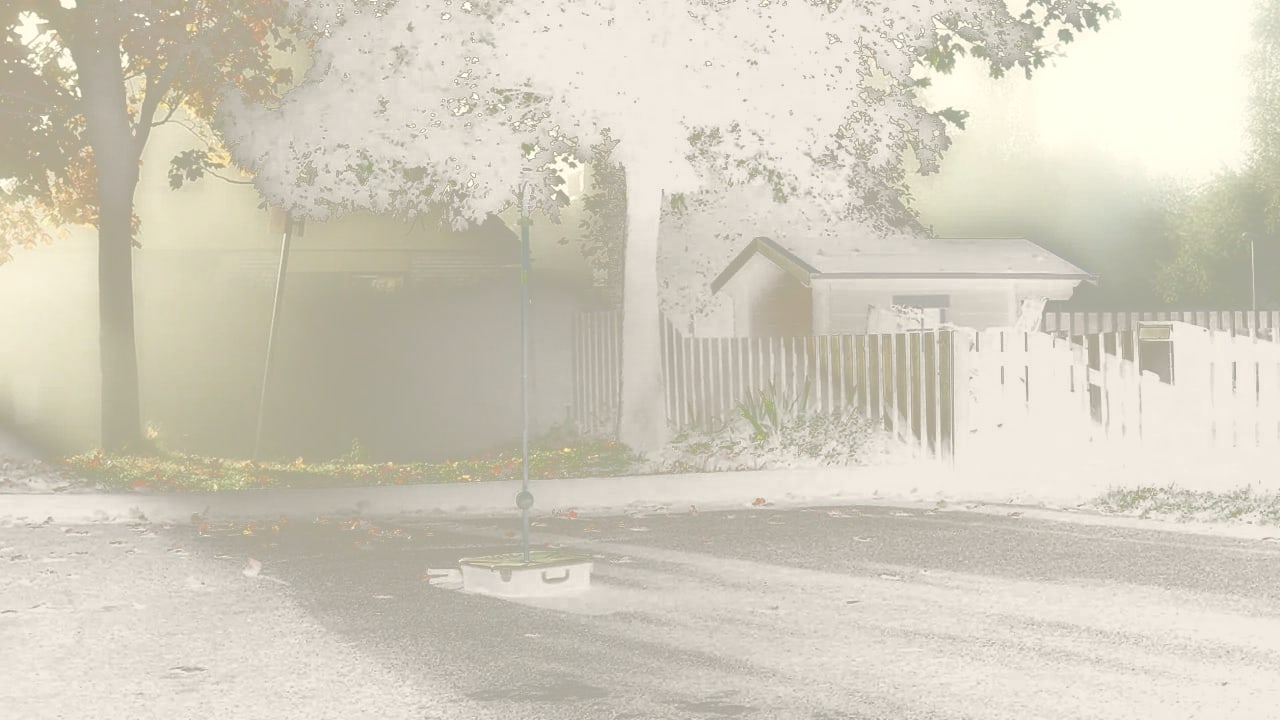
This is a real .cube file, fetched by this page and applied to this frame in your browser. Pick a grade, then drag the handle to wipe between the original and the grade.
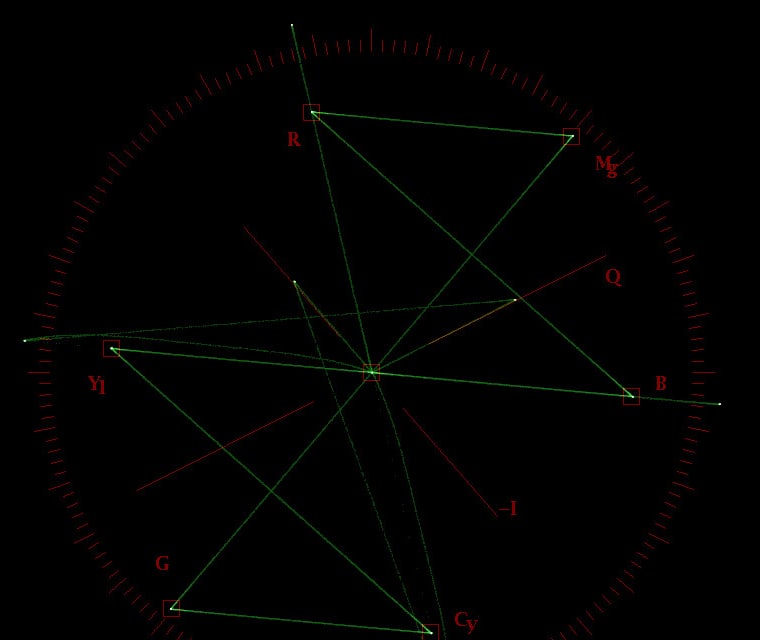
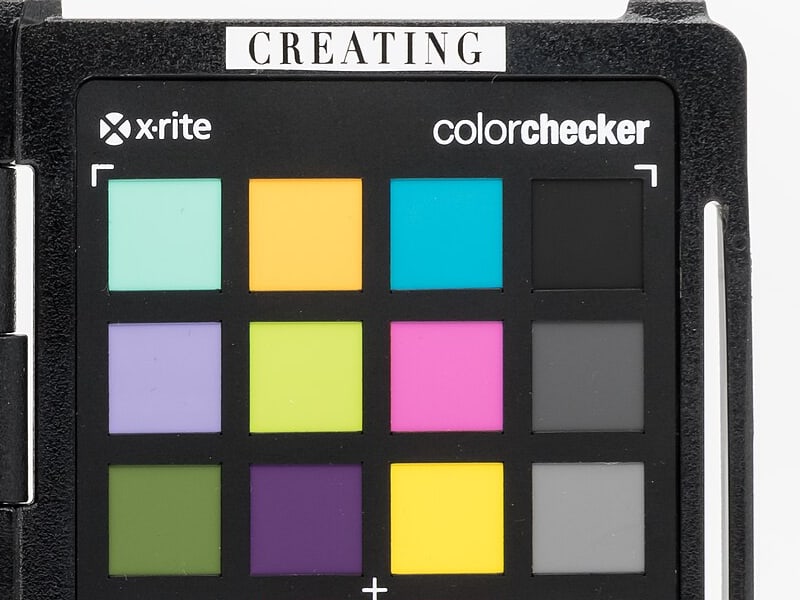

Every control, magnified
Every control below is the real interface, taken apart and put back together. Nothing here is a mock-up of a product that does not exist.
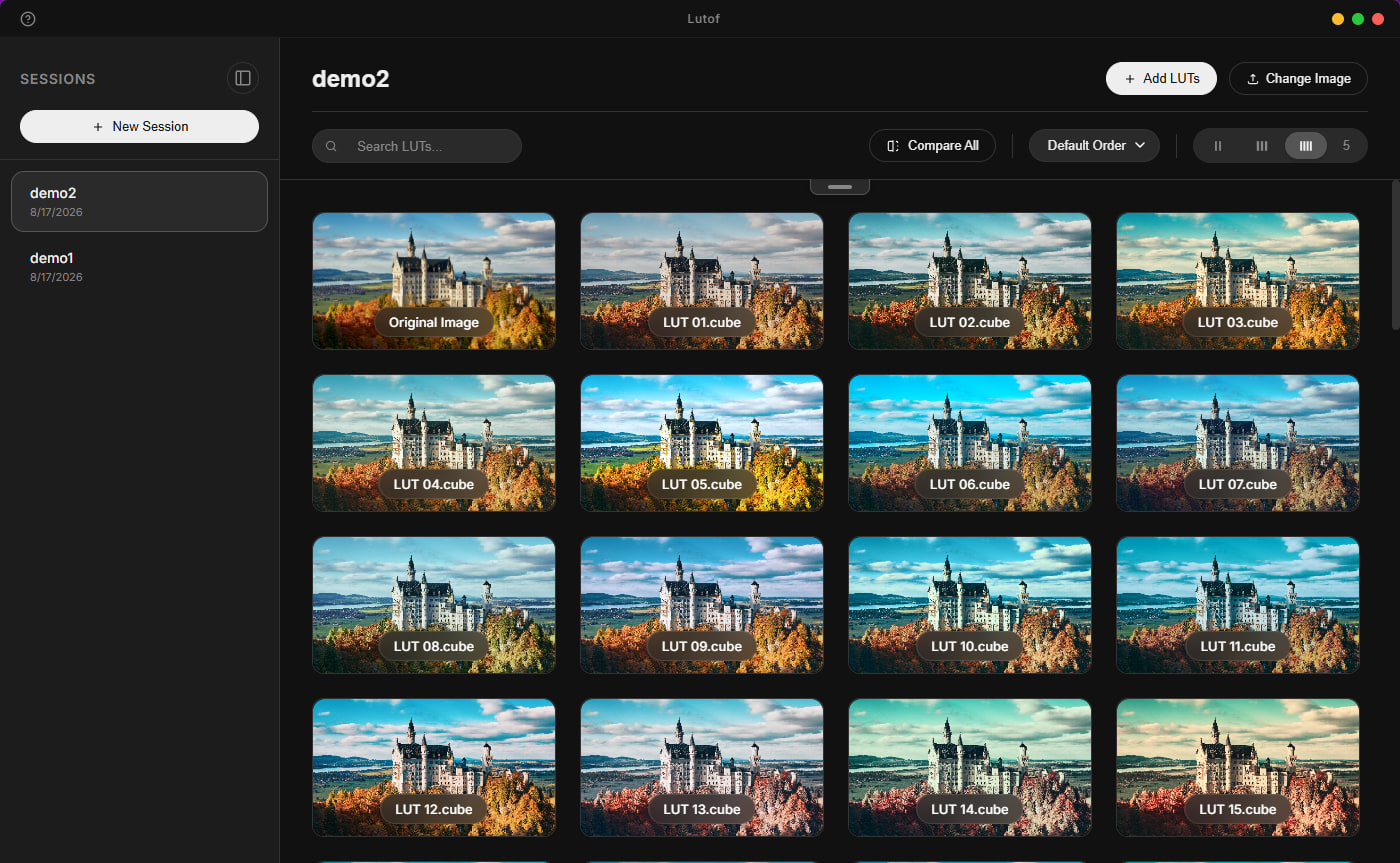
From folder to shortlist
First it lands in your folder.
A .cube file, sitting in a folder. Nothing has happened to it yet.
 lutof-demo-noir.cube
Then Lutof applies it.
The grid renders the look on your frame, and it is ready before you have looked up.
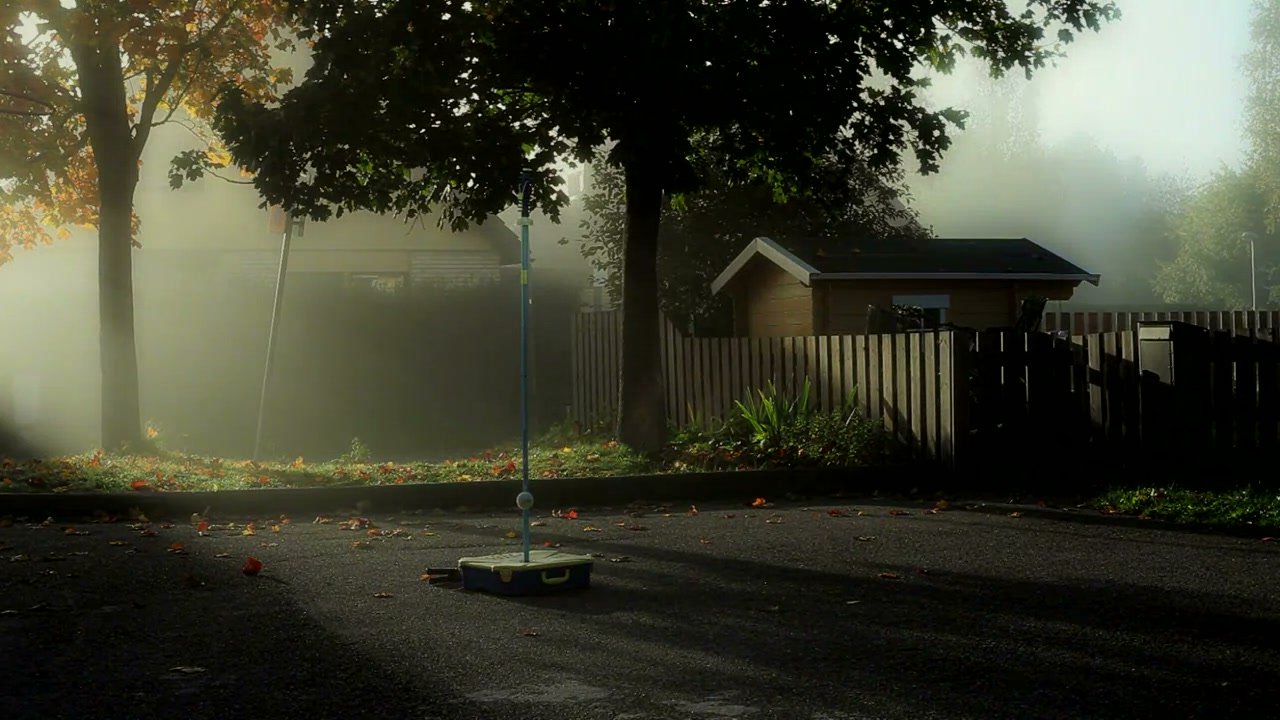 lutof-demo-noir.cube
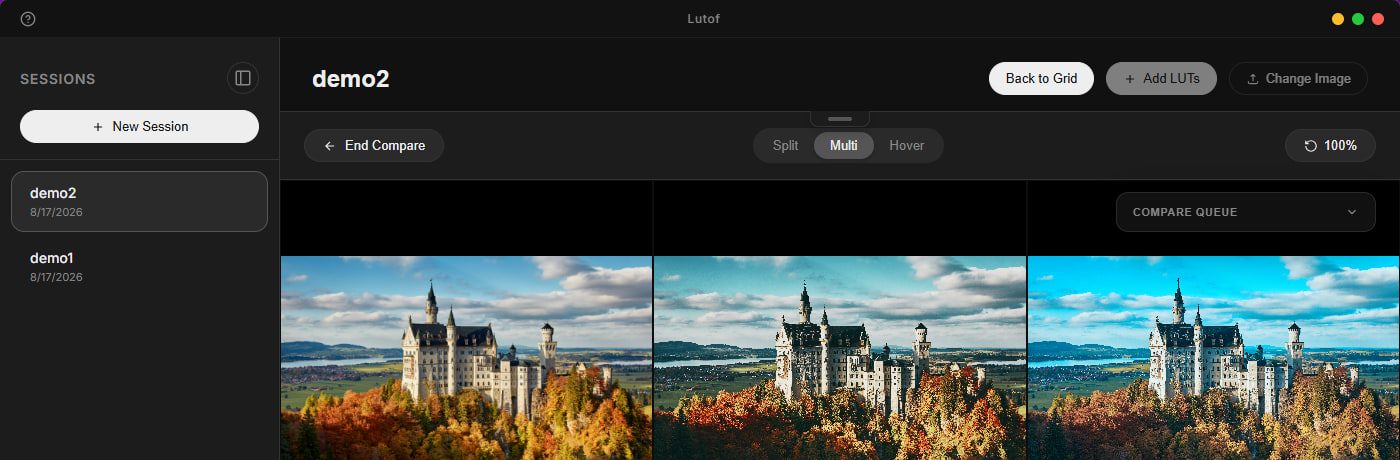
Then you put two side by side.
Split, multi or hover. Wipe between them and pick the one that survives the timeline.
lutof-demo-noir.cube Then it goes on the shortlist.
The compare queue keeps what you liked, and the session keeps it for next time.
Six looks, one frame
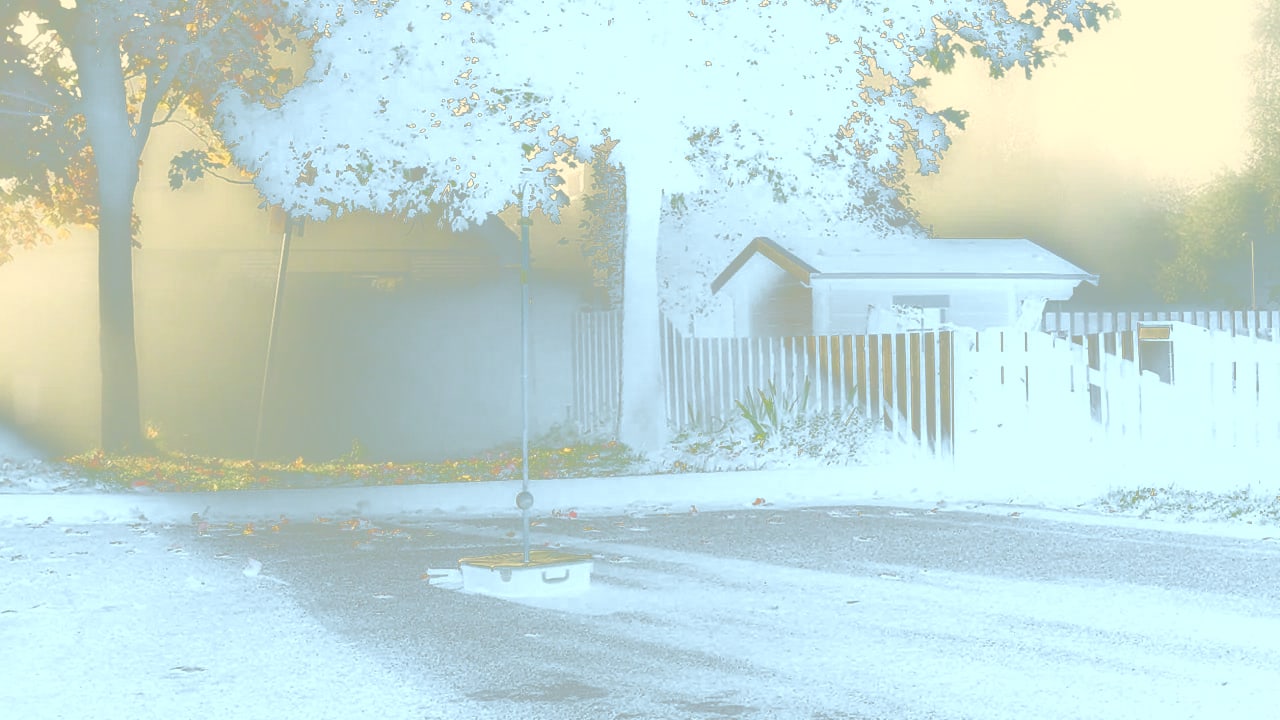
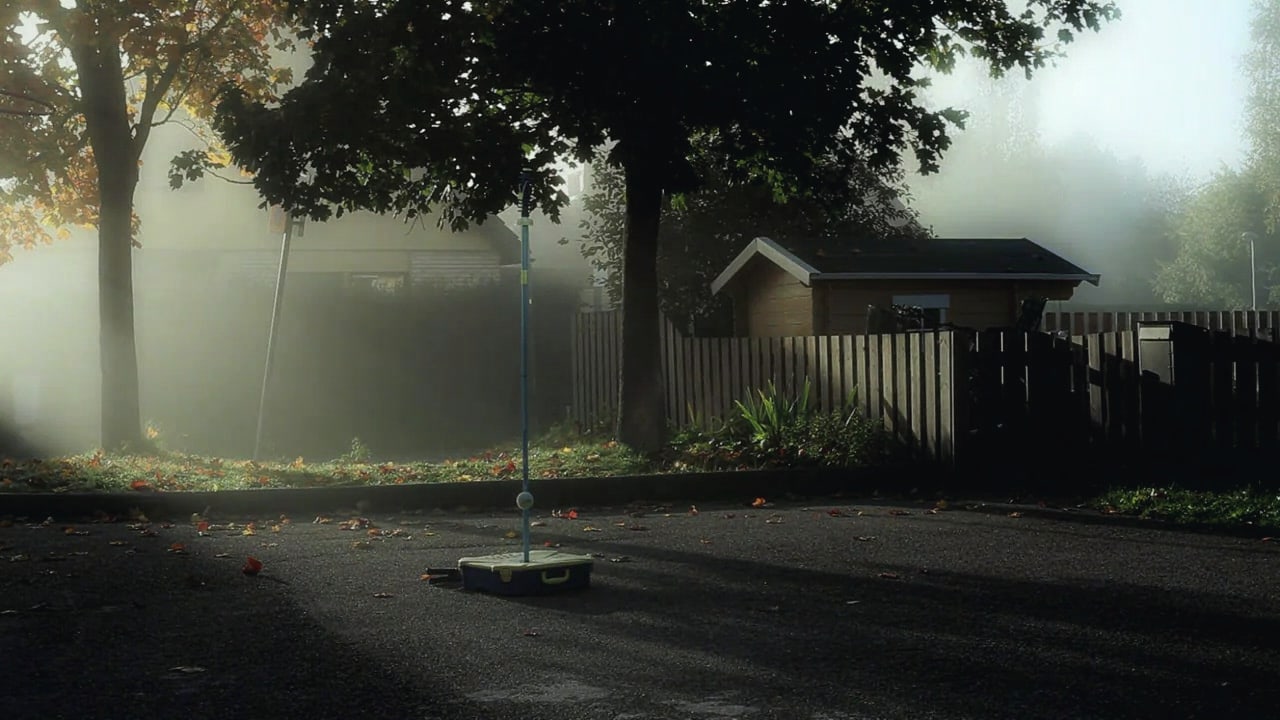
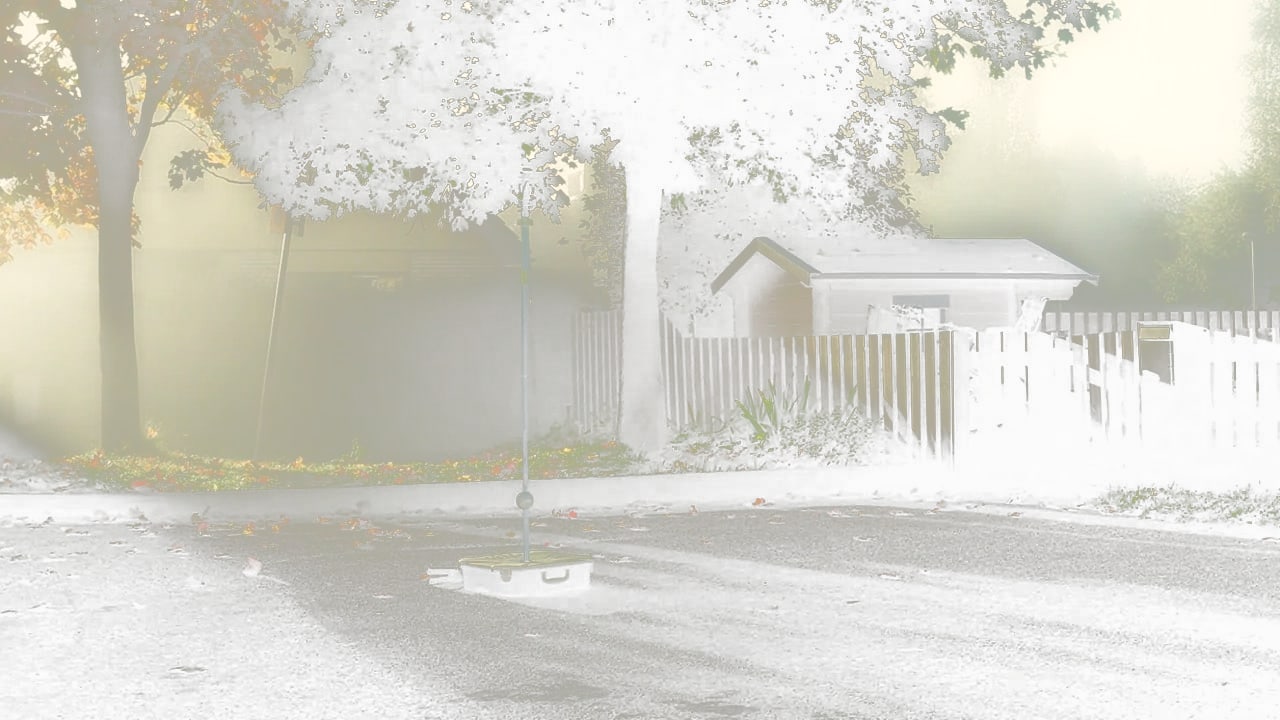
Every tile is the same photograph, graded by a real .cube file on this page. The app does this to your folder, in one pass.
Send the Windows build to
Opens an email to hello@lutof.com with your address in it. We answer with the Windows build.
Lutof is a Windows desktop app today. macOS comes next.
Drop a folder of .cube files on one image and Lutof renders every look in it, side by side, at once.